A complete suite of AI editing tools
From flawless HDR merging to precise relighting and colour correction, explore the purpose-built AI features that automate real estate post-production while keeping the photographed scene truthful.
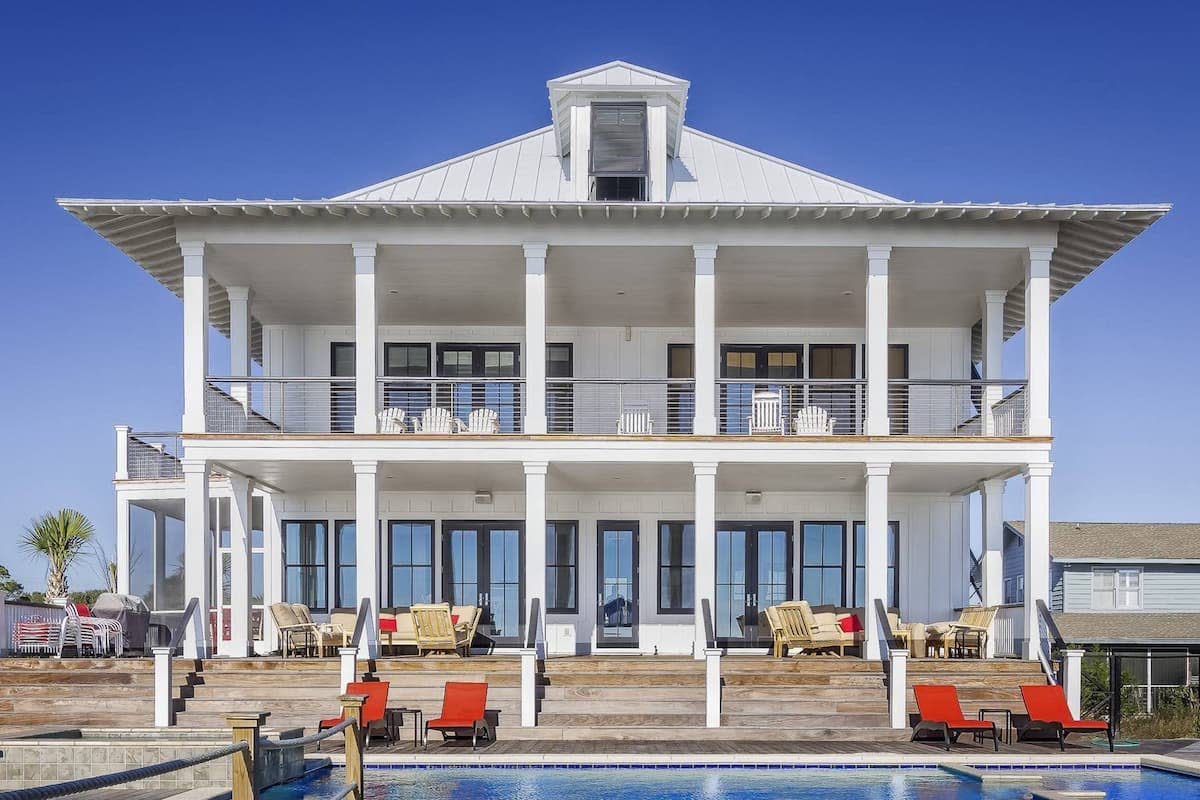

Perspective Correction
Perfectly straighten your images for a balanced, representative view. Both internals and externals will appear naturally aligned and professionally edited.
Learn more about Perspective Correction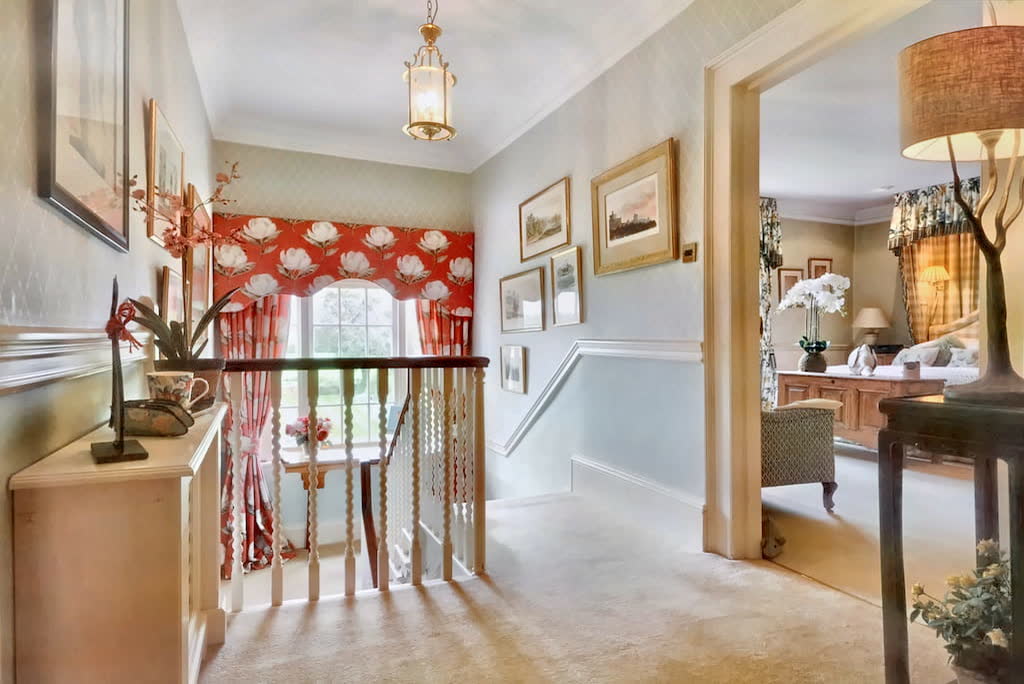
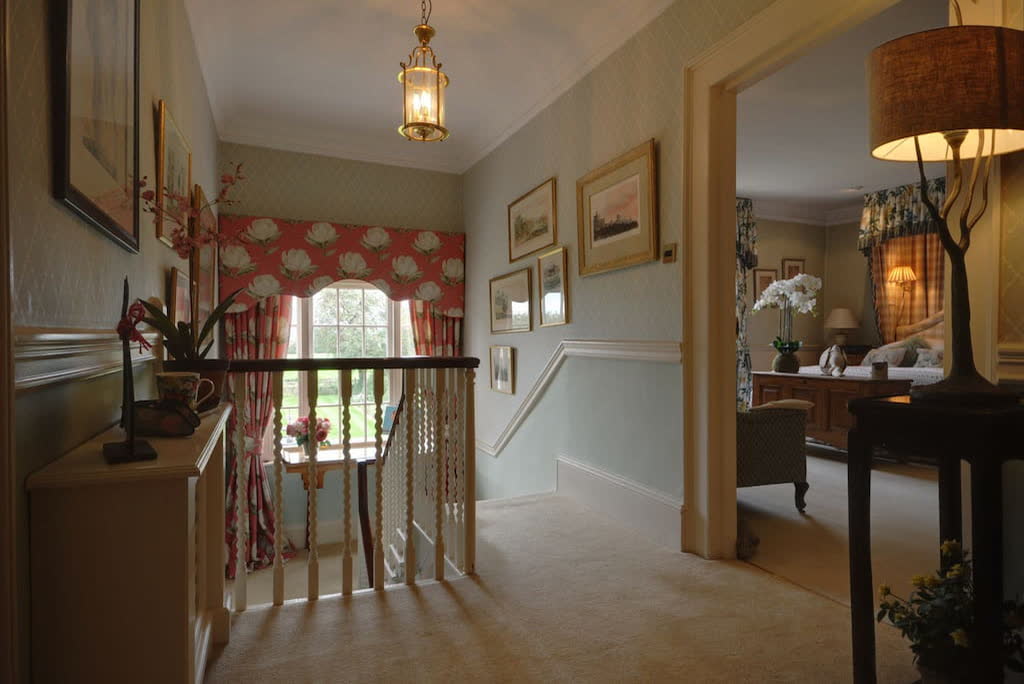
HDR Merging
Instantly group and merge multiple exposures into a single high dynamic range image. The result is a balanced, natural look that captures the full depth of your image.
Learn more about HDR Merging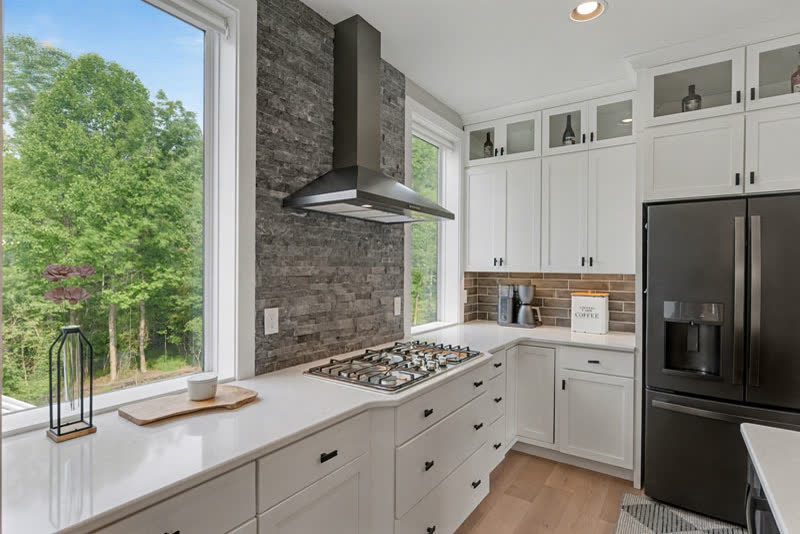
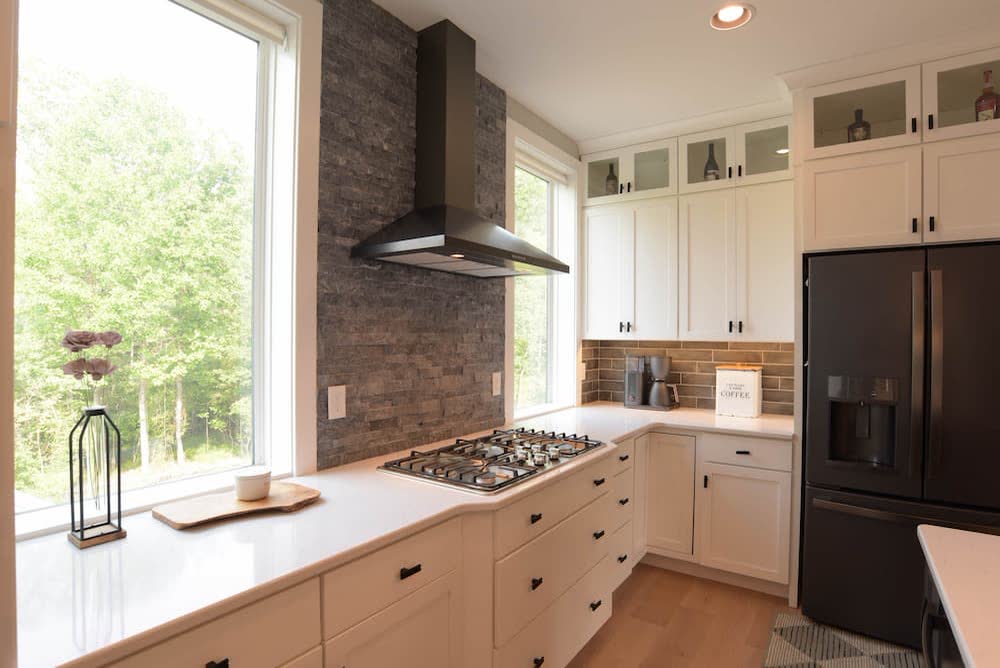
Window Pulls
NorthernLayer detects windows and applies a precise mask to reveal a clear view of the outside. This ensures interiors and exteriors are both visible with perfect clarity.
Learn more about Window Pulls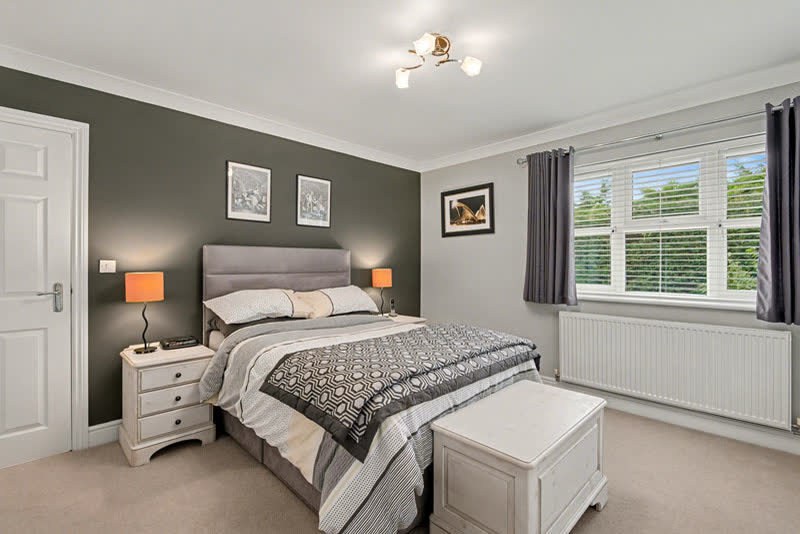
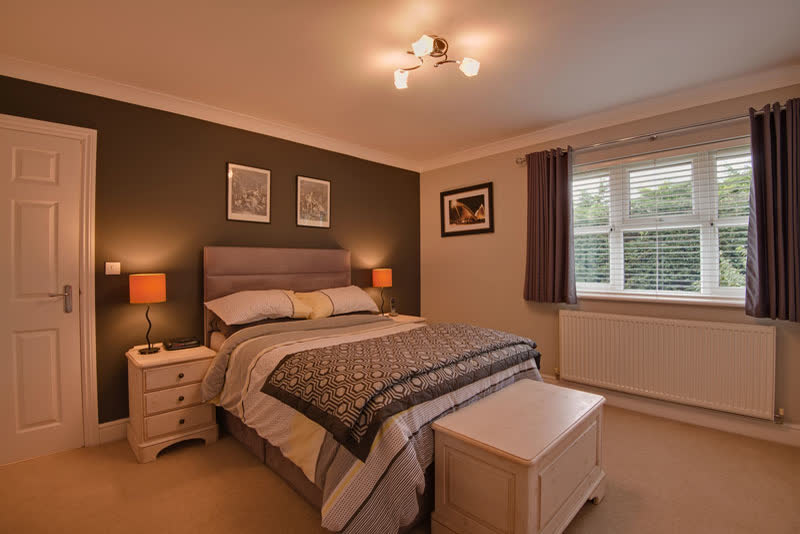
White Balance
White balance is adjusted automatically to perfectly reflect natural colors, by identifying what should be white in each image. This results in images with consistent, accurate color tones.
Learn more about White Balance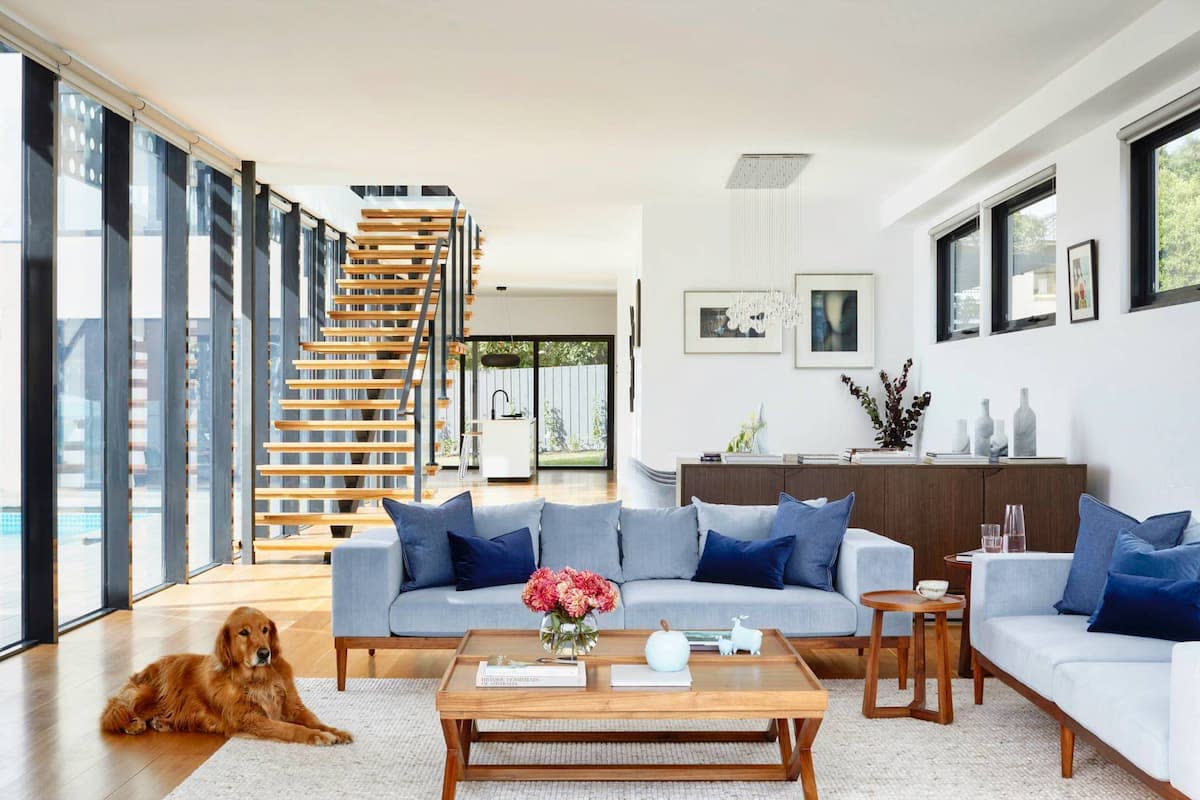
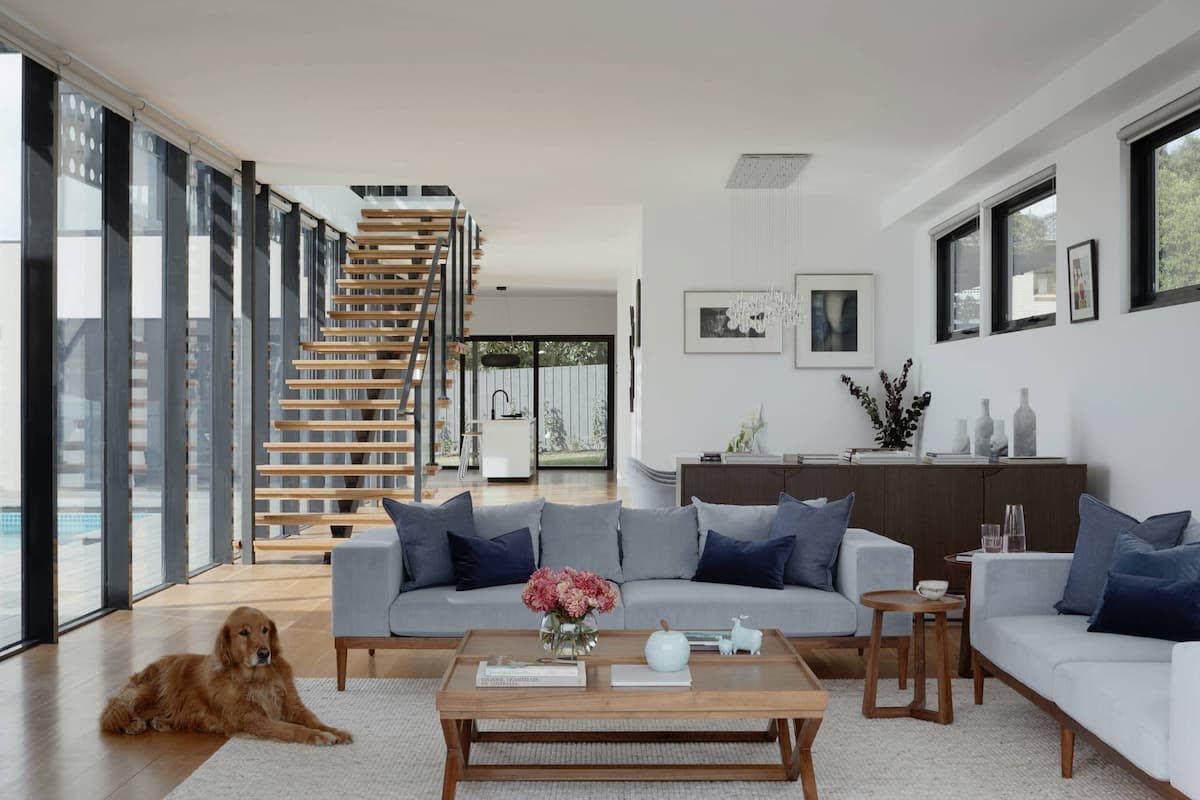
Image Relighting
Image relighting adjusts brightness, highlights, and shadows to create a well-lit, dynamic image. The result is a more visually engaging image with well-balanced exposure.
Learn more about Image Relighting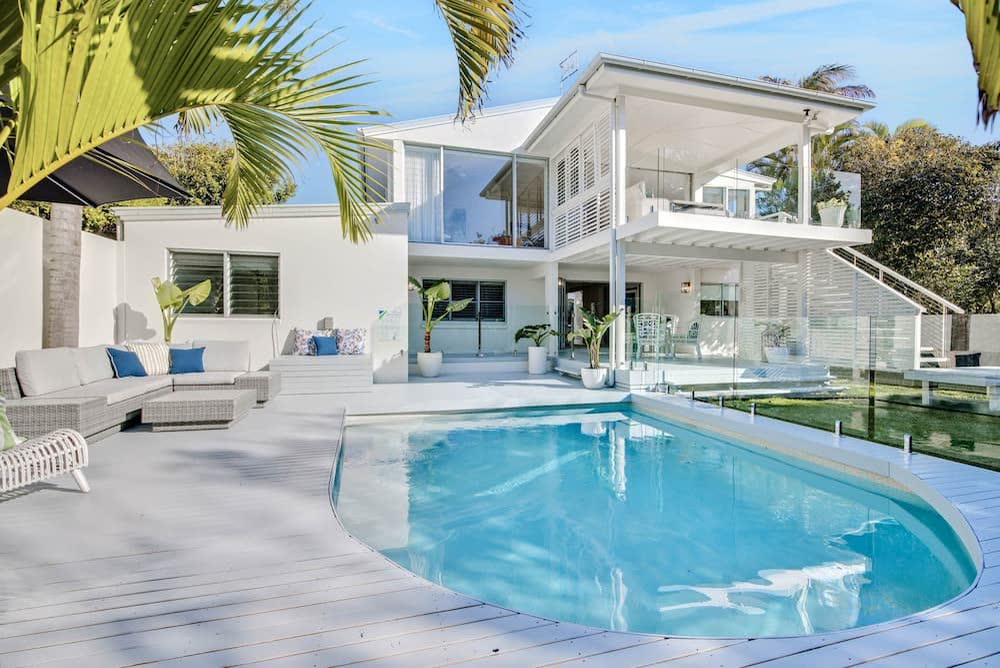
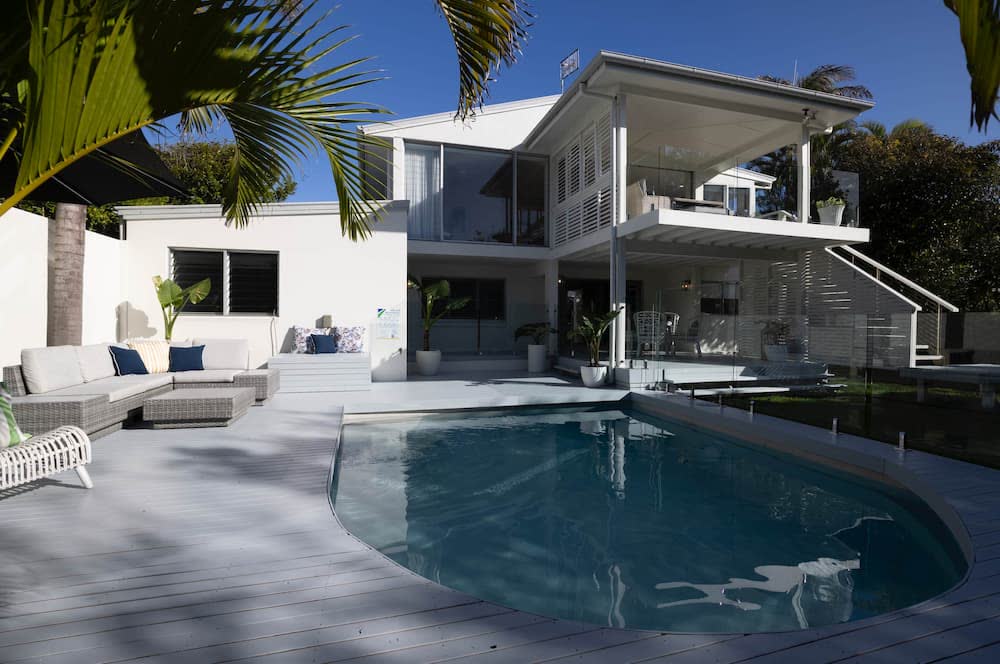
RAW Support
Upload RAW files directly, capturing all the details and information without the need for file conversion. This streamlines your workflow, making the process as simple and efficient as possible.
Learn more about RAW Support

Auto Privacy
Auto privacy automatically blurs sensitive details like license plates and family portraits, ensuring privacy for your images. Protect personal information without compromising visual quality.
Learn more about Auto Privacy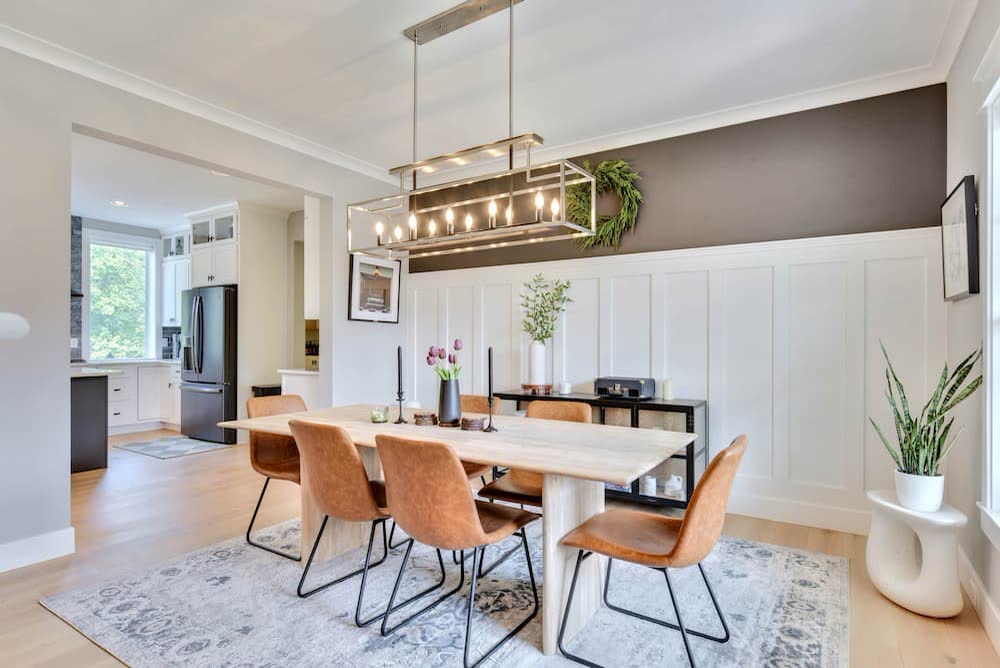
Color Correction
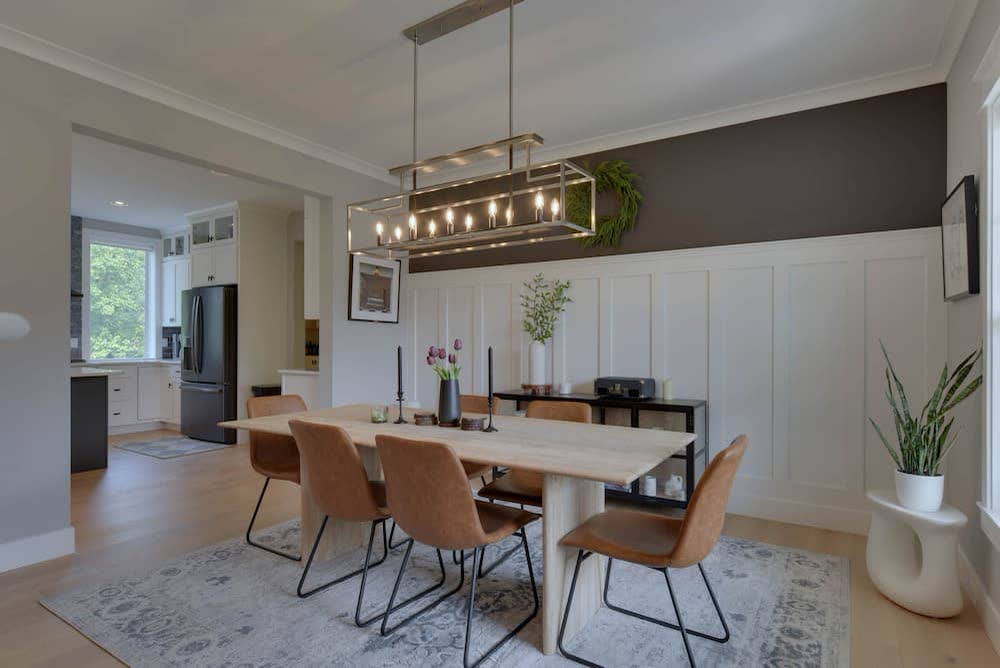
Intelligently adjust different areas of an image for perfect color correction. Rather than broad adjustments, each area is precisely calibrated to achieve a natural, well-balanced result.
Learn more about Color Correction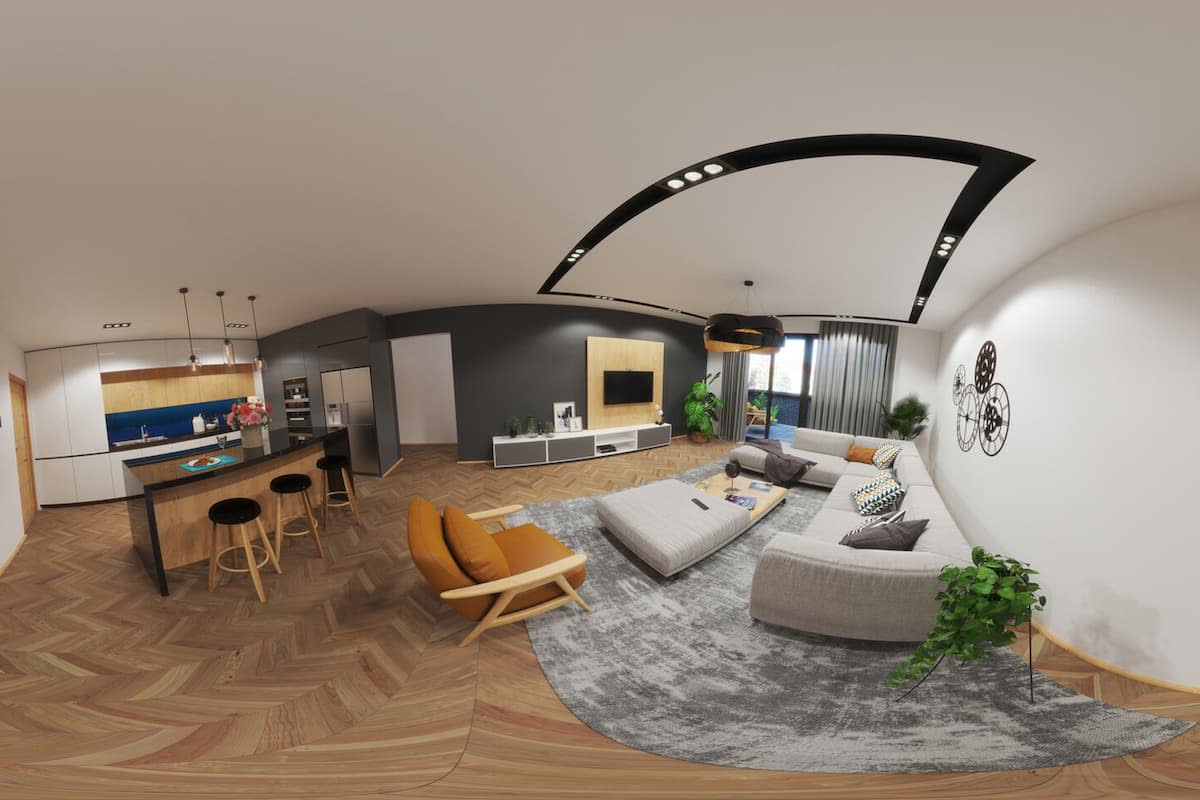
360 enhancements
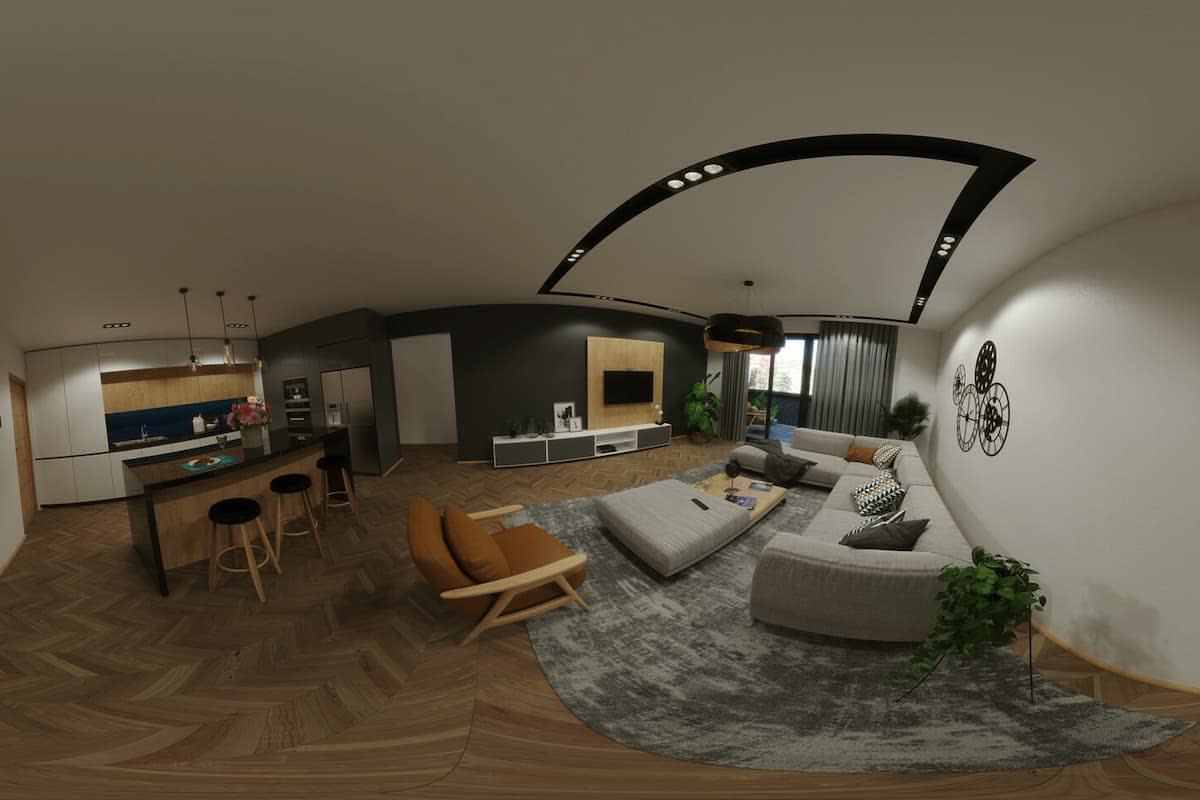
Take your virtual tours to the next level. Add a touch of AI photo editing magic to your 360s.
Learn more about 360 enhancements


Get Your First Enhanced Images Within Minutes
Join thousands of other real estate professionalsand save hours of editing time.
Get started